
Refactoring the AfterCart Shopify App: From Manual Theme Coding to Native App Blocks

How we migrated a Canadian package insurance service to the Shopify Online Store 2.0 architecture and virtually eliminated merchant support requests related to widget installation.

Founder jack avatar

Reviewed by: Jack Ananchenko, Co-founder, CTO

Aug 4, 20265 min read
Refactoring the AfterCart Shopify App: From Manual Theme Coding to Native App Blocks

AfterCart

AfterCart migration to Shopify 2.0: removed delays caused by on-the-fly protection product creation and reduced the risk of transaction fee losses.

The Essentials

AfterCart

6 Stellar Soft specialists

Migration: Jun–Nov 2024. Support: Nov 2024–present

Tech Stack

ReactNode.jsReact Router DOMReact QueryPostgreSQLAWS SDK

Legacy Architecture and Frustrating Page Reloads

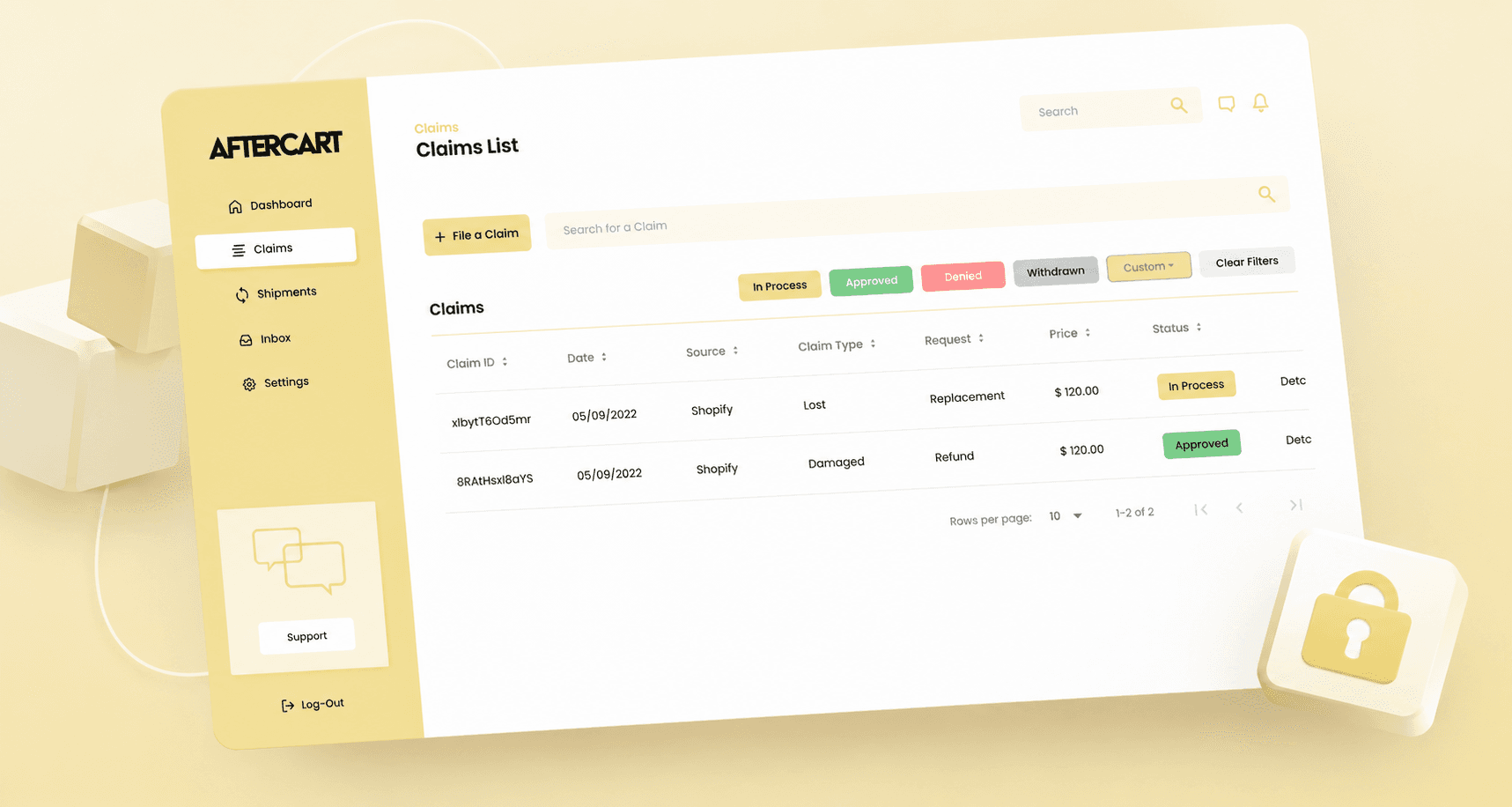
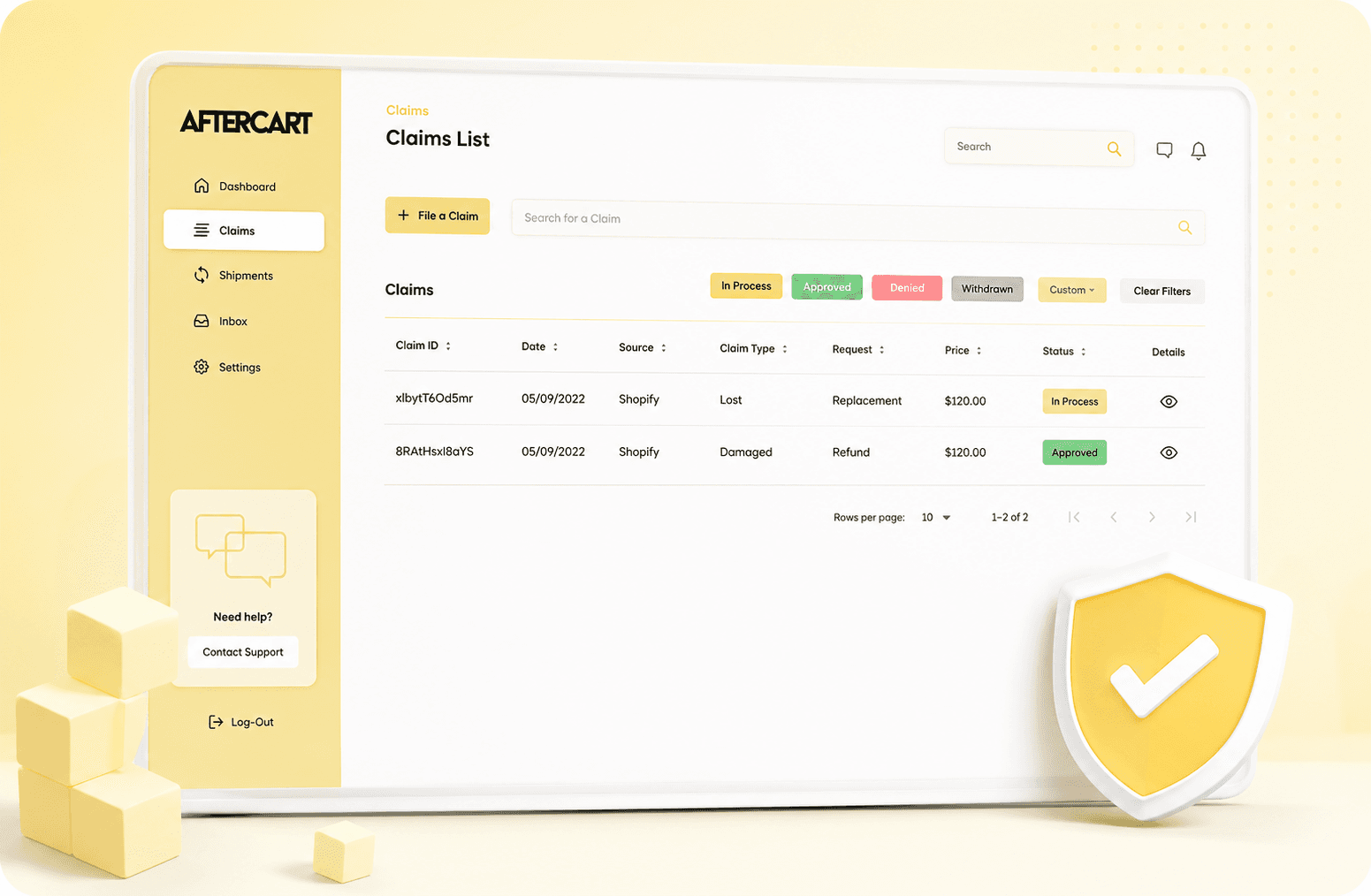
As part of our work on AfterCart, we migrated from Shopify 1.0 to Online Store 2.0. The legacy version had rigid architectural limitations: to launch the widget, developers had to manually edit merchants’ theme code, while interface configuration required authentication in a third-party CRM system.

The most critical issue was the creation of insurance products “on the fly” directly in the cart or at checkout. Due to delays and failures, customers would complete their purchases without insurance, causing the client to lose transaction fees.

Modernization Metrics in Action

3

Master Products

We completely eliminated “on-the-fly” product creation, using only three insurance master products for each store.

Up to 200

Price Variants

All required insurance coverage levels are pre-generated as variants within the master products, enabling instant cart response.

1

Minimal Install Support

Merchants can now install the app and add the widget themselves, virtually eliminating installation-related support requests.

The Shopify 1.0 Bottlenecks: Why Protection Was Missing from Orders

Our analysis of the legacy source code revealed several critical technical debt factors:

Manual implementation

The cart widget relied on fixed HTML elements and CSS classes, so even minor theme differences could prevent it from displaying.

Delayed product creation

Creating the insurance product in real time could cause delays or failures, allowing customers to complete checkout before the protection product was added.

Fragmented configuration

Interface settings were managed through a third-party CRM, slowing down the onboarding of new brands.

Our Approach: Native App Blocks and Product Optimization

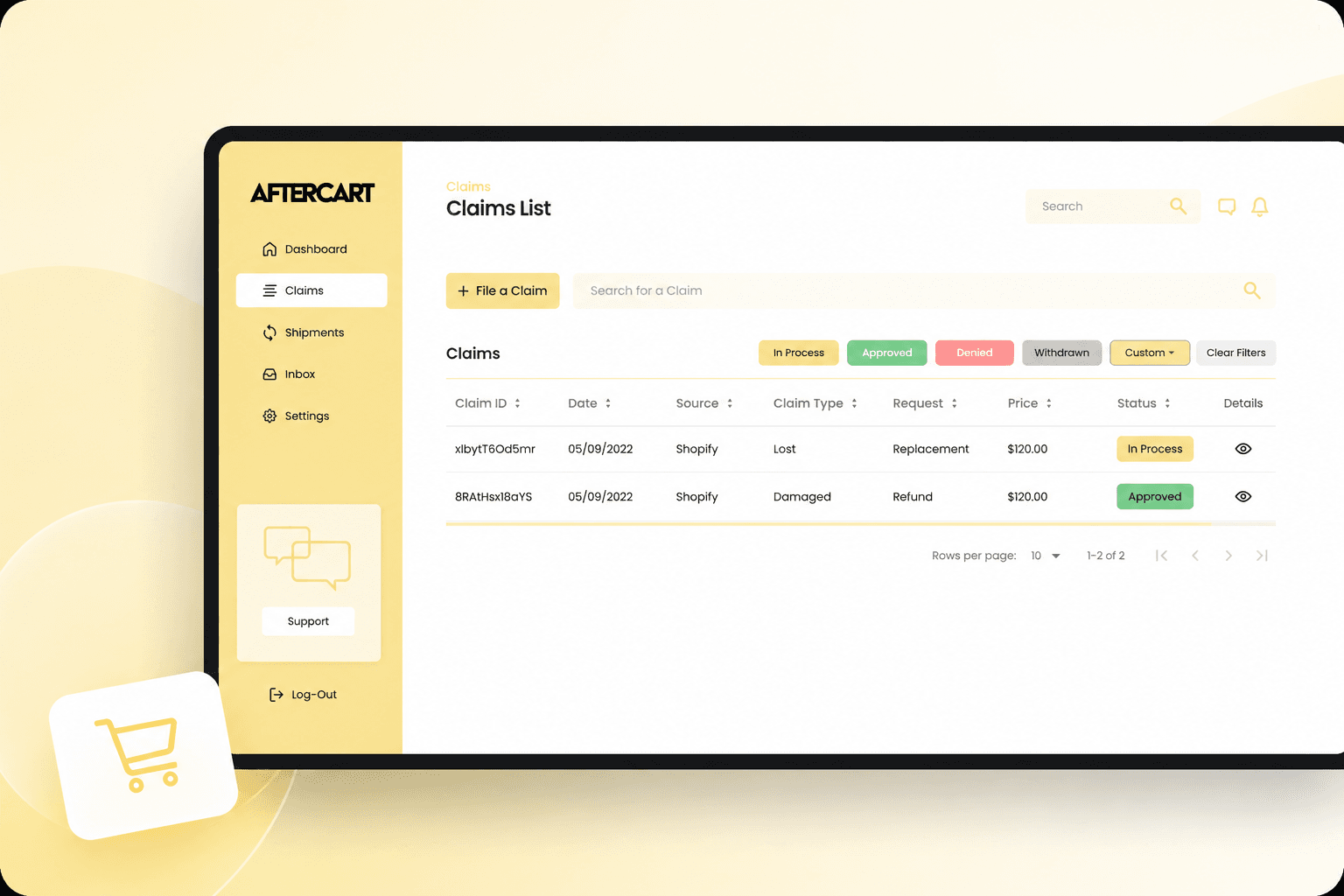
We completely rebuilt the AfterCart app around the modern capabilities of Shopify Online Store 2.0. Instead of injecting code into themes, we implemented native integration through Theme Sections and App Blocks. Merchants can now add and configure the widget directly through Shopify’s standard theme editor.

We also completely redesigned the insurance product management logic. Instead of generating a new product for every cart, the system initially creates three master products during app installation, with up to 200 variants covering the required insurance amounts, and regenerates them when the configured coverage limit changes.

Insurance pricing became dynamic and now automatically adapts to the customer’s selected currency. We used Bull to manage asynchronous background jobs and AWS S3 for cloud-based media and file storage.

How we moved to Online Store 2.0 and fixed the cart flow

How we moved to Online Store 2.0 and fixed the cart flow

1. Engineering Journey

Legacy Limitation

In the version 1.0 architecture, the widget relied on specific HTML elements and CSS classes in each merchant’s theme, which often caused compatibility issues. In addition, protection products were created “on the fly” while customers were in the cart or checkout, and this process could be delayed or fail, allowing customers to complete their orders before the insurance product was added.

Stellar Soft Engineering Solution

We developed a custom client-side cart manager and implemented low-level fetch/XHR request interception. This enabled the app to track cart changes and synchronize the insurance state across the cart drawer, cart page, and checkout. Rapid clicks or changes in product quantities are now handled with safeguards against race conditions and related data consistency issues.

2. Custom Solutions

Since Shopify does not provide standard solutions for “opt-in” package insurance, we developed custom logic for interacting with the platform:

  1. App Blocks + Web Component: native Shopify App Blocks combined with a custom Web Component to embed the widget into compatible Online Store 2.0 themes without manually editing theme files.

  2. Client-Side Cart Manager: a custom script for adding/removing the insurance product, instantly recalculating the total price, and synchronizing the order state across drawer cart page checkout.

  3. fetch/XHR Request Interception: a low-level cart event interceptor that protects transactions from race conditions when users update data simultaneously.

  4. Backend API for Flexible Pricing: server-side logic for dynamically calculating insurance costs (as a percentage of the order value, taking into account minimum limits, multi-currency support, and configured coverage thresholds).

  5. Checkout UI Extension: integration of the same insurance logic directly into the checkout screen through Shopify Checkout UI Extensions for Shopify Plus stores.

  6. Custom Business Logic: although the Shopify CLI template was used as the foundation for OAuth and billing, all widget logic, cart interactions, and integration with the external CRM were built from scratch by our team.

3. Technology Stack and Specific Tools

  • Frontend: React, Vite, Shopify Polaris, React Router DOM, React Query, i18next, Styled-Components, Chart.js, React-Chartjs-2.

  • Backend: Node.js, Express.js, Sequelize ORM, PostgreSQL, Shopify API, AWS SDK, Bull, Twilio, SendGrid.

  • Build Tools and Utilities: Webpack, Babel, dotenv, Node-Cron, Prettier, Stylelint.

The extensive refactoring of the cart logic and state synchronization reduced the risk of customers completing a purchase before the insurance product was added.

Summary of Results

Before

  • Manual theme configuration: when installing the app, developers often had to manually edit the merchant’s theme code to make the widget appear.

  • Switching between platforms: to change the widget’s appearance, merchants had to navigate to and log in to the project’s separate third-party CRM system.

  • “On-the-fly” product creation: generating an insurance product in real time directly in the cart caused delays or failures.

After

  • Native, no-code interface: the app became fully embedded, allowing merchants to independently add and configure the widget through Shopify’s standard theme editor using native App Blocks.

  • Pre-generated product structure: the system creates three master products with up to 200 variants, removing delays caused by on-the-fly product creation and preventing catalog clutter.

  • Real-time cart synchronization: the custom cart manager and fetch/XHR request interceptor synchronize the order state between the cart drawer, cart page, and checkout while protecting against race conditions.

  • Reduced installation support workload: after the release of version 2.0, merchants could connect the widget on their own, and no further widget-installation support requests were reported.

  • linkedin
  • x
  • facebook
  • Clutch
  • Upwork
  • Reddit

Want to Modernize Your Shopify App Without Losing Customers?

Is your product struggling with legacy code limitations while your team spends significant time helping merchants install widgets manually? Get in touch with us!


Vladimir gubarev

Vladimir Gubarev

CEO and Co-founder

Jack ananchenko

Jack Ananchenko

CТO and Co-founder

By submitting this form, you agree to our Privacy Policy and Terms of Use.

How We Can Help You

See What Else We've Built