WordPress AI Assistant for Personalized Travel Itineraries

We integrated an AI assistant into the World Jewish Travel WordPress website that creates personalized travel itineraries and generates AI videos or podcasts for them. We also developed a mobile app and a content generator that follows the brand’s style.

Founder jack avatar

Reviewed by: Jack Ananchenko, Co-founder, CEO

Oct 9, 20264 min read
page_1

World Jewish Travel (worldjewishtravel.org)

Travel & Tourism / Non-Profit, Jewish heritage, travel guides and recommendations for travelers worldwide

The Essentials

AI integrations and chatbots

WordPress development

Content Generation

Cloud migration to Google Cloud

5 Stellar specialists

Tech Stack

WordPressPHPLaravelReact.jsMySQLGoogle CloudWondercraftVeo 3CloudinaryOpenAI Vector Store

Before the Project: A Travel Guide Website Without AI or Personalized Itineraries

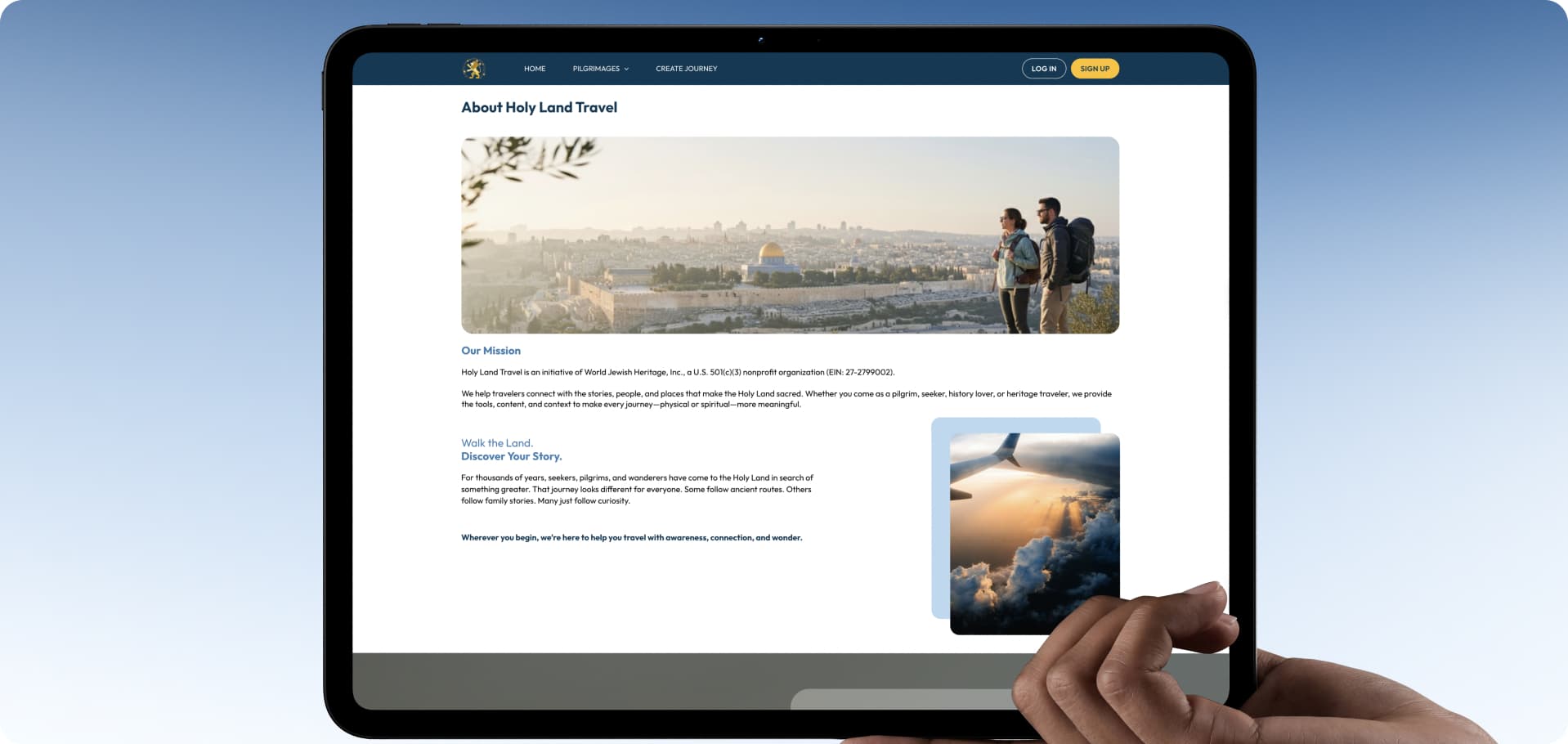
World Jewish Travel is a non-profit platform for Jewish travelers, offering travel guides, reference materials, and recommendations on cultural and historical heritage sites in countries around the world.

Before the project began, the website had no AI functionality. Users had to search for information about destinations, kosher establishments, synagogues, and Jewish heritage sites on their own. The platform did not offer personalized recommendations or allow users to save collections or itineraries.

Key drivers for change:

  • Personalization. The client wanted to differentiate the platform from other travel services with an assistant that would not only answer questions but also help users plan itineraries and create personalized AI content based on them.

  • Content scaling. The team needed a separate tool to automate the creation of new materials in the brand's style.

At the same time, the new AI functionality had to be integrated into the existing WordPress website, which had legacy code that placed a significant load on the server and complicated further system development.


What We Built for World Jewish Travel

AI

Assistant with a Website Knowledge Base

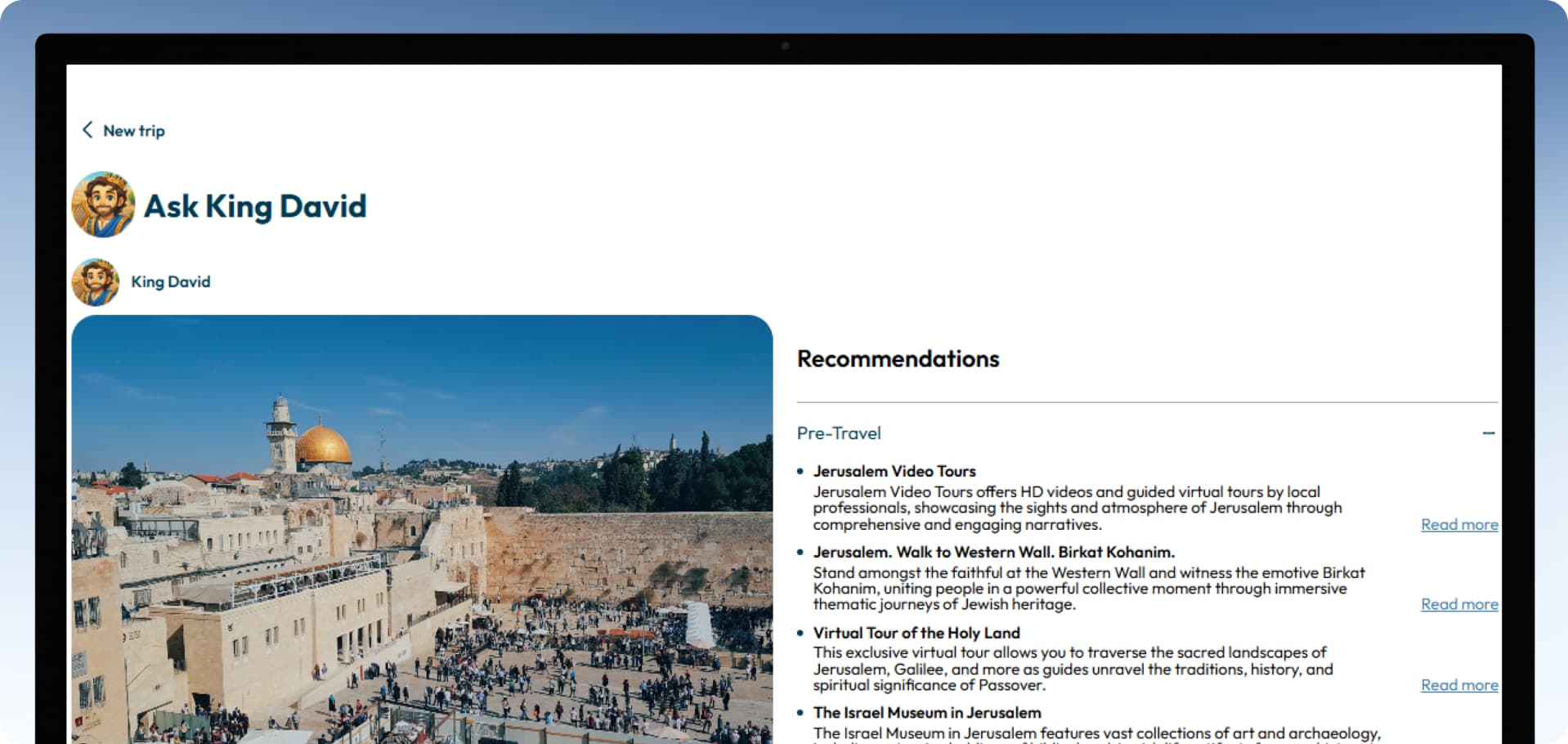
We integrated the assistant into WordPress and connected it to a Vector Store containing website content. Responses are categorized and styled to match the brand's interface.

CLEAR

Personalized Itineraries and AI Media

The assistant's response is saved to the user's account and serves as the basis for an itinerary, AI video, or podcast, while the itinerary itself is displayed on a map.

CUSTOM

AI Content Generator for Content Scaling

We developed a separate Laravel service that generates content according to a predefined structure, brand guidelines, and writing style, using multiple AI sources.

Challenge: Integrating an AI Assistant into a WordPress Website with Legacy Code

The main task was to add a personalized AI experience to a website with an outdated architecture. Here are the conditions we worked under.

Legacy Code and Server Overload

The legacy code handled virtually all website operations and constantly overloaded or caused the server to restart, making it difficult to develop such a large system further.

Strict Requirements for AI Responses

The assistant used only the website’s knowledge base, formatted responses by type, and saved chats and itineraries to the user’s WordPress account.

End-to-End Personalized Experience

The assistant, saved data, itinerary, AI media, and map had to work together as a single workflow within one account.

AI Travel Assistant on WordPress, Itineraries, and Content Generation

We divided the solution into four parts, each addressing a specific product need.

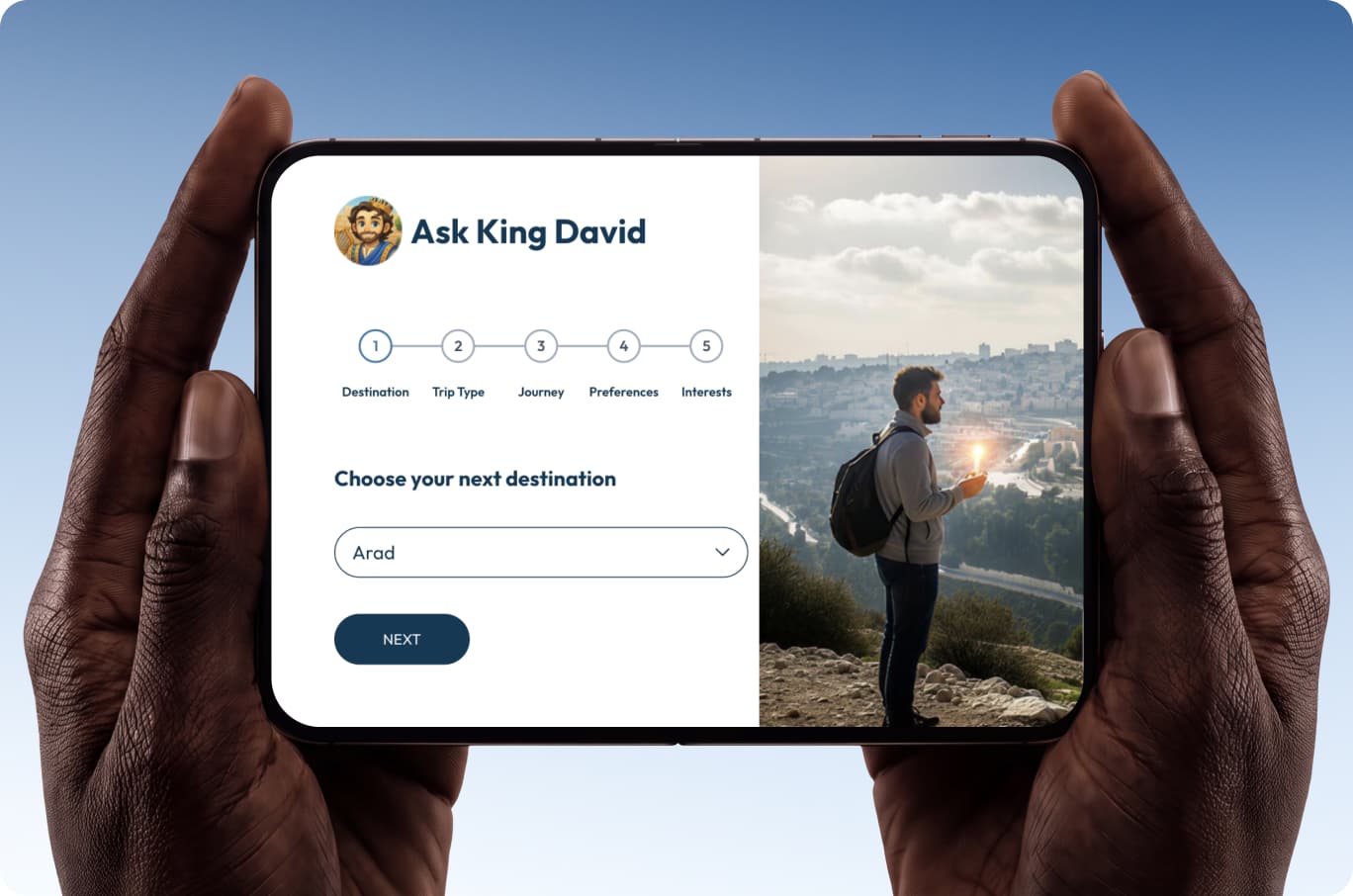
AI Assistant in WordPress. We integrated the assistant into WordPress and connected it to a Vector Store built from website posts. Responses had to be based exclusively on World Jewish Travel content. The chat was styled to match the brand.

Personalized Itineraries and AI Media. To turn the assistant's response into a practical travel plan, we connected it to an itinerary, AI video or podcast, and map within the user's account.

Cross-Platform Mobile App. A separate app for iOS and Android gave users access to the assistant outside the website.

AI Content Generator and Google Cloud Storage. Content scaling was a separate client requirement, so we built the generator as a standalone Laravel service. Later, we migrated the storage of generated materials to Google Cloud Storage, from where the finished content is imported into the website.

Engineering Solutions for the AI Assistant, WordPress, and Content Generation

1. How the Assistant's Architecture Evolved

The first version of the assistant used Vercel AI SDK and Next.js in combination with WordPress and Laravel, with a separate Next.js frontend and Laravel backend. Later, at the client's request, the architecture was simplified to WordPress + JavaScript + Google Cloud, and the separate Next.js and Laravel layers of the assistant were removed. The new architecture uses MCP (Model Context Protocol). The transition to MCP was implemented by a specialist on the client's side.

2. The Biggest Challenge: A Single Workflow from Response to Map

The complexity lay not simply in the number of stages, but in the need to pass the result of one stage to the next while keeping all data linked to a single user's WordPress account. The assistant's response had to serve as the basis for an itinerary, and the itinerary had to serve as the basis for AI media and map visualization.

A separate task involved migrating previously generated AI Content Generator materials to Google Cloud Storage without losing any data.

3. What We Developed for This Project

  • Integration of the assistant into WordPress, with the interface styled to match the brand;

  • Import of website posts into the Vector Store;

  • Response classification and dynamic formatting;

  • A mechanism for saving data to the user's WordPress account;

  • Itinerary generation based on a saved response;

  • AI video generation (Veo 3) and audio podcast generation (Wondercraft) based on the itinerary;

  • Display of itineraries on a map;

  • A cross-platform mobile app for iOS and Android;

  • An AI Content Generator built with Laravel;

  • Scripts for migrating generated materials to Google Cloud Storage and subsequently importing them into the website.

4. Technology Stack

  • Core: WordPress, JavaScript, PHP

  • Current Assistant Architecture: WordPress, JavaScript, Google Cloud, MCP

  • Initial Assistant Version: OpenAI Assistants API, Next.js, Vercel AI SDK, Laravel

  • Content Generation: Laravel

  • Cloud and Storage: Google Cloud Storage, Cloudinary

  • AI Media: Veo 3, Wondercraft

  • Mobile App: Cross-platform, iOS and Android

  • Knowledge Base: OpenAI Vector Store

Results: Personalized Itineraries, Mobile Access, and Content Generation

Results for the Product and Users

  • From Question to Itinerary and AI Media in One Account. The user asks a question, saves the response, receives an itinerary, AI video, or podcast based on it, and views the itinerary on a map within their account.

  • Mobile Access. The assistant is available not only on the website but also in the mobile app for iOS and Android.

  • Scaling Content Creation. A separate AI Content Generator makes it possible to prepare new materials according to a predefined structure and brand style without manually writing each post.

Engineering Results

  • Simplified Assistant Architecture. The separate Next.js frontend and Laravel backend of the assistant layer were removed in favor of a WordPress + JavaScript + Google

  • Cloud configuration. This reduced the number of potential points of failure and made maintenance easier. The separate AI Content Generator remained on Laravel.

  • Cloud Migration of Generated Materials. The AI Content Generator's storage was migrated to Google Cloud Storage, and the subsequent import of completed materials into the website was configured.

  • linkedin
  • x
  • facebook
  • Clutch
  • Upwork
  • Reddit

Want to Add an AI Assistant with Its Own Knowledge Base to Your Product?

We can help you integrate AI into your existing platform, connect your own data sources, and build workflows around your users' real needs.


Jack ananchenko

Jack Ananchenko

CEO and Co-founder

Vladimir gubarev

Vladimir Gubarev

COO and Co-founder

By submitting this form, you agree to our Privacy Policy and Terms Conditions.

See What Else We've Built